
Focus Shield
A feature-rich Mac app for productivity
Block distractions, structure your days, and see where your time is really going, so you can focus on what matters most.
macOS 14 and later • Menu bar app
App Limits
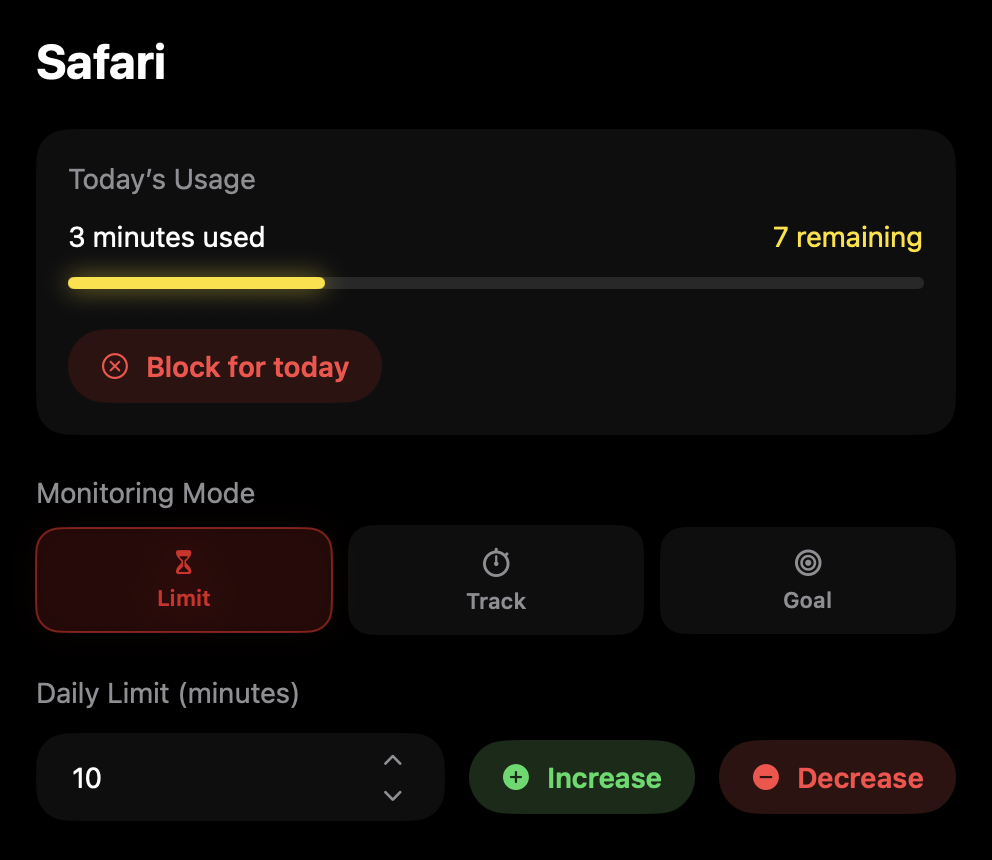
Set time limits for any app. Only allow during certain hours and on certain days. Enable Lock In Mode to prevent changing limits or quitting Focus Shield for up to a week.
App Goals
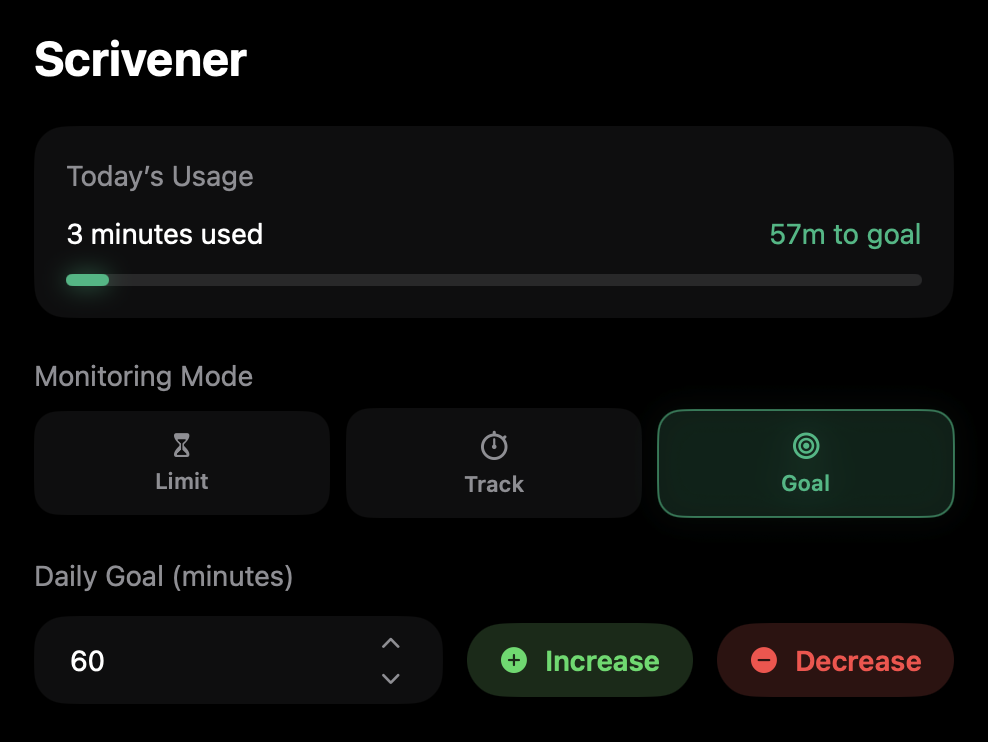
Need to motivate yourself to spend more time in writing or editing apps? Set usage goals for certain apps to encourage work or creativity. Track goal streaks in your Dashboard.
Routines
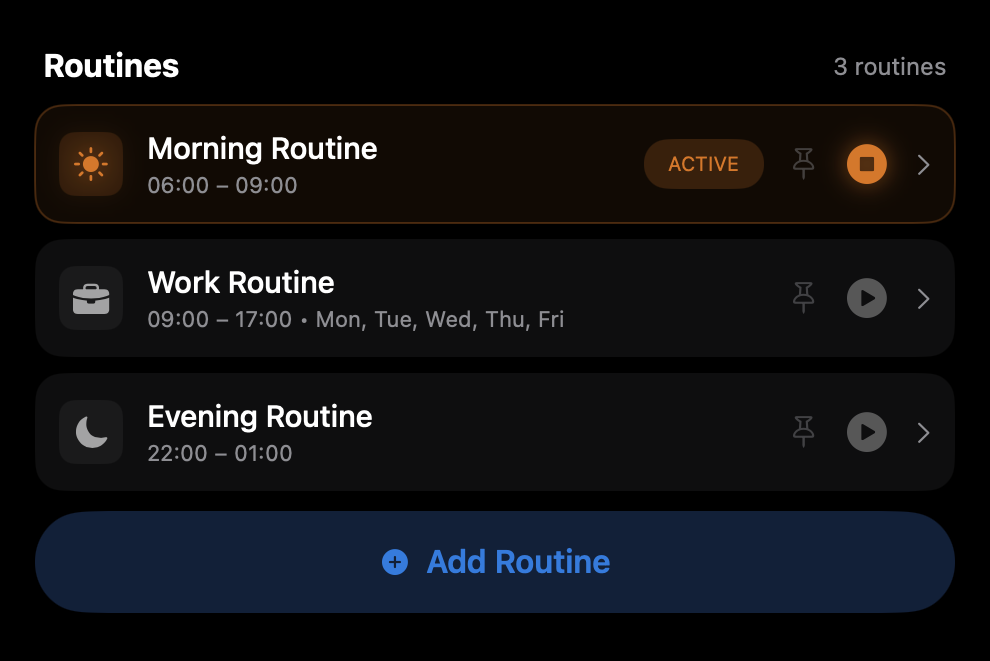
Create routines to block certain apps or your entire Mac on a schedule—unlock by checking off tasks. Trigger automatically every day, only on certain days, or manually.
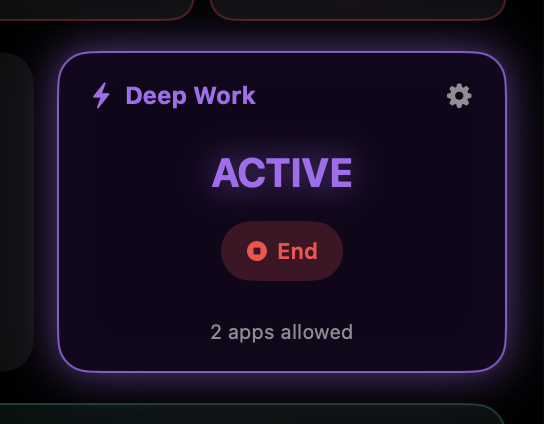
Deep Work Mode
Lock in on a project by instantly blocking every app except the one you’re currently in. Add other apps to the allow list if you need to switch between more than one.
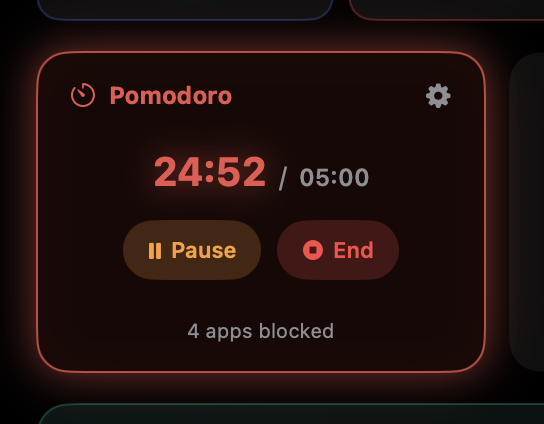
Pomodoro Mode
Start a Pomodoro timer in your menu bar for focused work sessions. Use the default 25 minute work / 5 minute break schedule, or set your own. Block selected apps during work time, or everything during breaks.
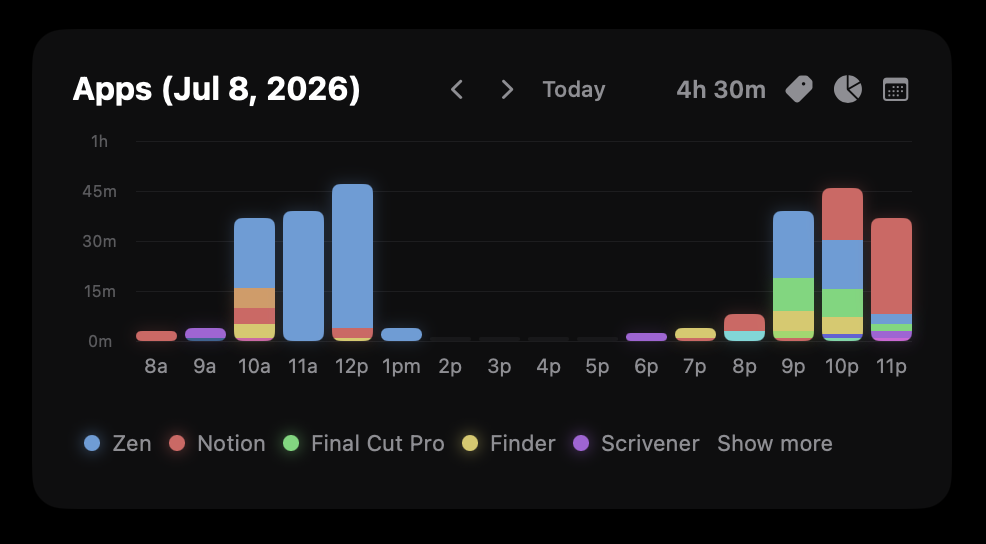
Screen Time Charts
See exactly where your time is going with advanced charts. Switch between donut and bar charts, weekly and daily views, and category and app views. Week In Review shows insights from the past week.
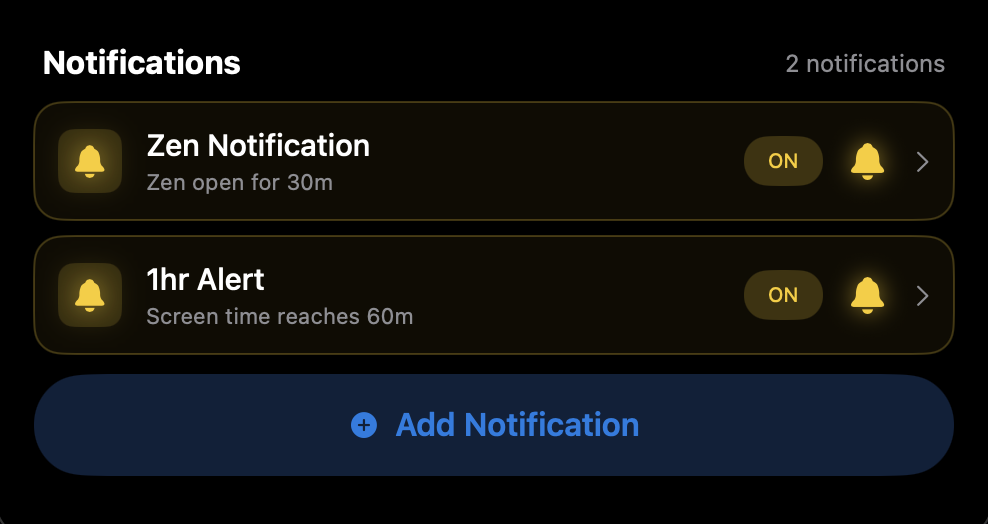
Custom Notifications
Create custom notifications that trigger based on app usage or total screen time. Schedule to appear only on certain days or within certain hours.
CUSTOMIZATION
You’re in control
01
Visual Customization
Make Focus Shield yours with a wide variety of visual customization options.
- Switch and import interface fonts
- Enable or disable glow effects
- Show or hide Dashboard elements
- Set custom colors for apps in Charts
02
Total Privacy
Focus Shield runs locally on your Mac, meaning no one has access to your data but you.
- Set expiration date for app usage logs (or set to keep forever)
- Export or import app usage logs
03
Message Customization
Use your own words, or leave defaults.
- Blocking overlay messages
- Challenge messages
- Motivational quotes (optionally shown on blocking overlays)
04
Enforcement Levels
Set strictness levels for app limits, changing settings, and quitting Focus Shield.
- Require a math problem
- Enable or disable 1-minute allowance after blocking begins
- “Block for today” nuclear option (no overriding)
- Enable Lock In Mode to lock settings and prevent quitting Focus Shield for up to 7 days
PURCHASE
Get Focus Shield
- App limits, tracking, and goals
- Unlimited custom routines
- Unlimited custom notifications
- Deep Work mode
- Pomodoro mode
- Screen time charts
- Full customization
One-time purchase · Delivered instantly · Only for Mac
BEHIND THE SCENES
Why I built this
Distraction is one of the greatest obstacles to creativity—and one that’s nearly inescapable in the digital world. Constant notifications, addictive apps, cluttered workspaces, all vying to steal our attention away from what matters most.
I believe focus is more important than ever, especially for artists. As an author and filmmaker, I’m always looking for ways to streamline my process and eliminate distractions. There are plenty of productivity apps out there, but none that met my (admittedly hyper-specific) standards for design and functionality. So I built my own.
I created Focus Shield just for myself as a way to manage and track my time while juggling multiple creative projects. I found it so useful that I eventually decided to make it more than just a personal project—so you can use the same tool I do.
I’ve spent over 6 months developing the app, adding useful features and fine-tuning the design. The end result is the productivity tool I’ve always dreamed of—one that puts control of your digital environment, and your focus, in your hands.

FAQ
Common questions
Time is yours
to seize.
Stop losing time to distraction. Get the app, get focused, and create what matters.